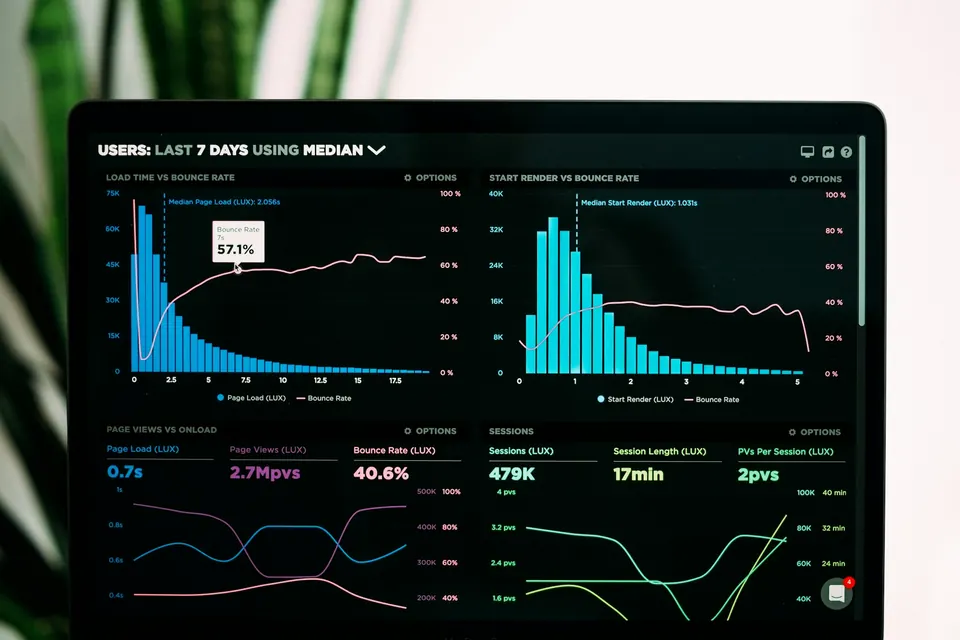
Core Web Vitals are three Google metrics measuring real user experience: Largest Contentful Paint (loading speed), First Input Delay (responsiveness) and Cumulative Layout Shift (visual stability). Google's published good thresholds are 2.5 seconds, 100 milliseconds and 0.1 respectively, measured at the 75th percentile of visits.
- LCP measures how quickly the main content appears, FID how quickly the page responds, CLS how stable the layout stays.
- Google's good thresholds are 2.5 seconds, 100 milliseconds and 0.1.
- Field data from real users matters more than a single lab test.
- Core Web Vitals are one signal among many, so great content still comes first.
What are Core Web Vitals?
Core Web Vitals are a set of measurements Google uses to describe how a page feels to a real visitor. They focus on three moments that people notice: waiting for content, trying to interact and watching the page jump around. They are part of Google's page experience signals, but they are one factor among many, so they will not rescue weak content. They can, however, separate two similar pages and, more importantly, keep visitors from leaving.
For business owners, the easiest mental model is the shop floor. LCP is how long a customer waits at the door before they see something useful. FID is how long a shop assistant takes to respond when you ask a question. CLS is whether the shelves keep moving while you try to pick something up.
Google evaluates these metrics using data collected from real Chrome users, summarised in the Chrome User Experience Report, and a page is judged on the 75th percentile of visits. In plain terms, three out of four visits should meet the target for the page to count as good.
What is LCP and how do you improve it?
Largest Contentful Paint (LCP) measures how long it takes for the largest visible element, usually a hero image, banner or main heading block, to appear. Google's good threshold is 2.5 seconds or less, with anything over 4 seconds considered poor.
One caution: a fast score on your own broadband can hide problems that visitors on mobile data experience. Throttle your connection in developer tools or test on a real mid-range phone to see what a typical visitor sees.
Slow LCP in practice is nearly always caused by a heavy image, a slow server or scripts that delay rendering. Work through these fixes in order.
- Compress and correctly size the hero image, and use a modern format such as WebP or AVIF where your platform supports it.
- Do not lazy-load the main above-the-fold image; give it priority instead.
- Improve server response time with better hosting, caching or a content delivery network.
- Remove or defer render-blocking CSS and JavaScript.
- Preload critical fonts and limit the number of font files.
What is FID and how do you improve it?
First Input Delay (FID) measures the delay between a visitor's first interaction with a page, such as a click, tap or key press, and the moment the browser is actually able to start responding. It captures how responsive the page feels the first time someone tries to use it. Google's good threshold is 100 milliseconds or less, and over 300 milliseconds is poor.
Poor FID typically comes from heavy JavaScript that keeps the browser busy. Common culprits are bulky page builders, chat widgets, tracking scripts, sliders and large third-party tags.
- Remove plugins and scripts you do not need.
- Load non-essential third-party tags after the page becomes interactive.
- Break long tasks into smaller pieces if you have developer support.
- Keep the page structure simple, since very large DOMs slow updates.
- Test on a mid-range Android phone, not only a fast laptop.
What is CLS and how do you stop layout shifts?
Cumulative Layout Shift (CLS) scores how much visible content moves unexpectedly while the page loads. You have felt it when you go to tap a button and an advert pushes it down. Google's good threshold is 0.1 or lower, and above 0.25 is poor.
Most layout shift is preventable by reserving space before content arrives.
- Set width and height attributes, or an aspect ratio, on all images and videos.
- Reserve fixed space for adverts, embeds and cookie banners.
- Avoid inserting banners above existing content after load.
- Use font-display settings and similar-sized fallback fonts to limit text jumping.
- Animate with transforms rather than properties that change layout.
How do you measure your own Core Web Vitals?
Use two kinds of data and understand the difference. Field data comes from real visitors and reflects what users actually experience; lab data comes from a simulated test and helps you debug.
A practical workflow: record the current status of each template, make one change at a time, retest in PageSpeed Insights and note the date. Changing many things at once makes it impossible to know what worked. If a plugin update or new tracking script worsens a metric, you will spot it quickly when you keep this log.
Start with the Core Web Vitals report in Google Search Console, which groups URLs by status for mobile and desktop. Then run key pages through PageSpeed Insights, which shows field data where enough traffic exists and lab diagnostics for causes. Chrome DevTools helps developers find which element is the LCP and which scripts block interaction.
Test representative templates, such as the home page, a service page, a blog article and a product page, rather than every URL. Fixing a template improves hundreds of pages at once. Expect field data to take roughly four weeks to reflect changes because it uses a rolling window.
How much do Core Web Vitals really affect SEO?
Be realistic. Relevant, helpful content remains the strongest factor, and Google has said that page experience is not a magic lever that overrides relevance. Still, slow or unstable pages lose visitors, and lost visitors mean lost enquiries whatever your ranking. Treat vitals as a quality and conversion issue first and a ranking nudge second.
Consider the cost of fixes against the benefit. Compressing images and removing unused plugins are cheap and effective. Rebuilding an entire theme is expensive and only worth it if the current one cannot be improved. A measured approach protects your budget while still moving the numbers in the right direction.
Prioritise like this: first confirm your pages are crawlable and indexed using the technical SEO checklist, then fix any template that is rated poor, then refine pages that are borderline. Do not obsess over perfect scores at the cost of useful features; a page that passes the thresholds is good enough.
If your site is built on a heavy theme or page builder, improvement may require development work. Our SEO services include performance reviews, and you can contact us if you would like help interpreting your reports.
Frequently asked questions
What are the Core Web Vitals thresholds?
Google's good thresholds are LCP at 2.5 seconds or less, FID at 100 milliseconds or less and CLS at 0.1 or less. A page passes when at least 75 percent of real visits meet each target. Thresholds may be updated, so check Google's documentation.
Why does my PageSpeed score differ from Search Console?
PageSpeed Insights lab scores come from a simulated test on one device and connection, while Search Console reports field data from real Chrome users over a rolling period. Field data is what counts for Core Web Vitals assessment.
Does a perfect score guarantee higher rankings?
No. Core Web Vitals are one of many signals, and content relevance remains central. Passing the thresholds removes a possible weakness and improves user experience, but it cannot guarantee a ranking position.